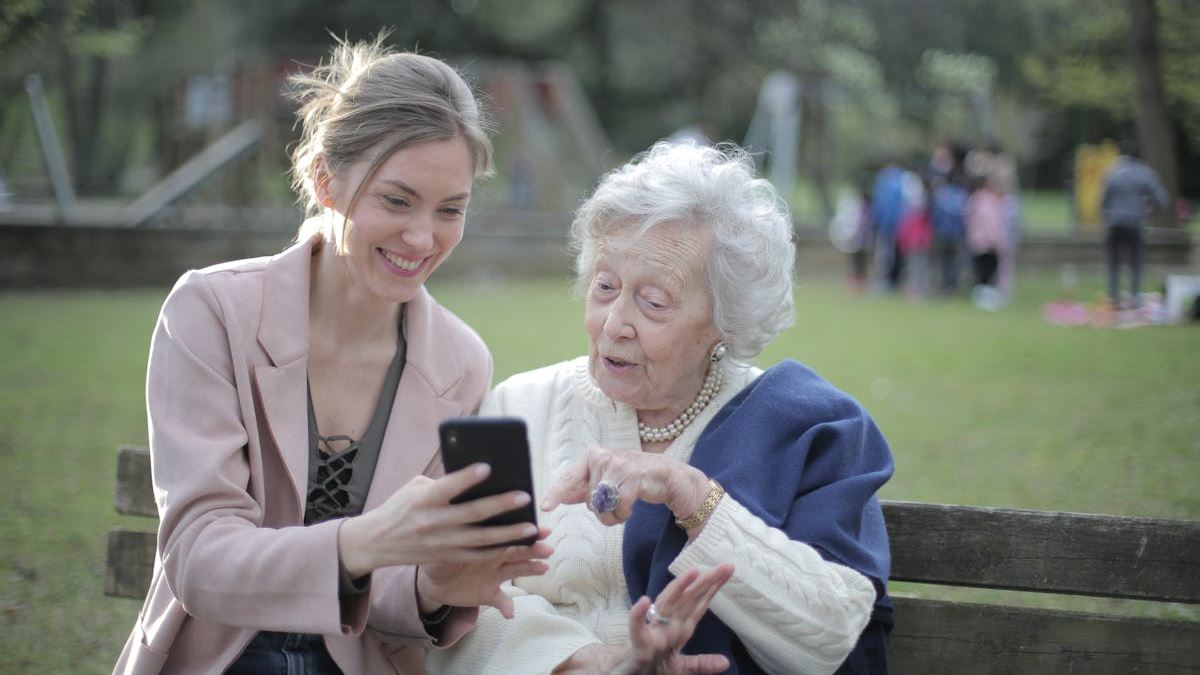
Empowering Seniors: Essential Smartphone Lessons to Enhance Digital Independence
This article offers a comprehensive guide to smartphone lessons for seniors, highlighting essential skills, tailored teaching strategies, and real-world success stories. Designed for educators, caregivers, and seniors themselves, it emphasizes empowering older adults to confidently navigate modern technology for increased independence and social connection.
Introduction: Bridging the Digital Divide for Seniors
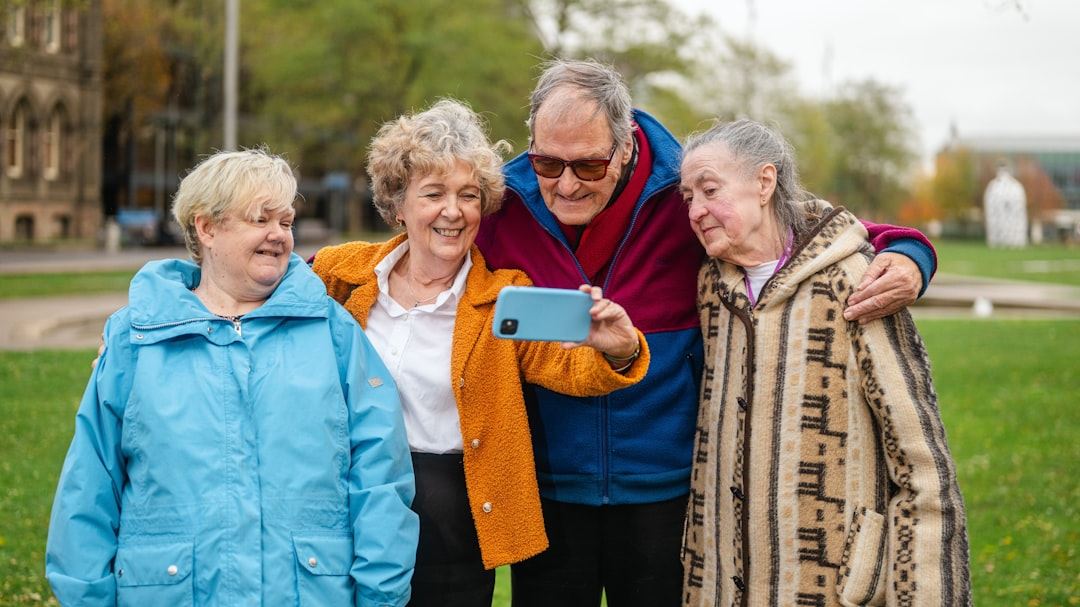
In an era where smartphones have revolutionized communication, information access, and daily convenience, many seniors find themselves on the outskirts of this digital revolution. Understanding smartphone lessons for seniors is crucial for fostering independence, safety, and social connection.
Understanding the Unique Needs of Seniors
Seniors come with diverse experiences, cognitive abilities, and comfort levels with technology. Recognizing these differences allows educators and caregivers to tailor smartphone lessons that are accessible and engaging. For instance, some seniors may need instruction focused on basic features, while others may seek advanced usage like online banking or social media.
Core Smartphone Skills Every Senior Should Learn
1. Navigating the Device
Teaching seniors how to turn on/off their smartphones, unlock the device, and navigate the home screen builds the foundation for further learning. Using simple language and step-by-step guidance ensures confidence and reduces frustration.
2. Making and Receiving Calls
This fundamental skill involves answering calls, dialing contacts, and managing call functions like mute, speaker, or conference calls. Real-world scenarios, such as answering a call from family or emergency services, highlight its importance.
3. Sending and Receiving Text Messages
SMS remains a primary communication method. Lessons should cover composing messages, attaching media, and understanding notifications. Demonstrating these skills with familiar contacts encourages practice and mastery.
4. Using Voice Commands and Assistants
Voice assistants like Siri or Google Assistant simplify smartphone use through voice commands. Training seniors to activate commands for making calls, setting reminders, or searching the internet can make technology more accessible and less intimidating.
5. Accessing Emergency Features
Safety features like emergency contacts, SOS functions, and medical ID are vital. Practical demonstrations of using these features enhance seniors' confidence in their ability to respond during emergencies.
Advanced Tips: Staying Connected and Safe
Beyond basic skills, seniors can benefit from lessons on installing and using video call apps like FaceTime or Zoom, managing privacy settings, and understanding app permissions to protect their information online.
Overcoming Common Challenges
Many seniors face issues like small text visibility, misunderstanding icons, or fear of breaking the device. Solutions include adjusting font sizes, using straightforward icons, and providing ongoing support through practice sessions or tech support services.
Expert Insights: The Role of Community Programs
Technology organizations and senior centers play a pivotal role in delivering smartphone lessons. Experts emphasize hands-on, patient teaching methods and the importance of creating a friendly learning environment that encourages questions and repetition.
Real-World Success Stories
Numerous seniors have reported improved quality of life after mastering essential smartphone skills. For example, Margaret, 72, learned how to video chat with her grandchildren regularly, alleviating loneliness. These stories demonstrate how accessible education can empower older adults.
Conclusion: Encouraging Digital Confidence in Seniors
Providing comprehensive smartphone lessons for seniors is more than just teaching technical skills — it's about fostering independence, safety, and social inclusion. Patience, tailored instruction, and ongoing support are the keys to success in closing the digital gap for older adults.