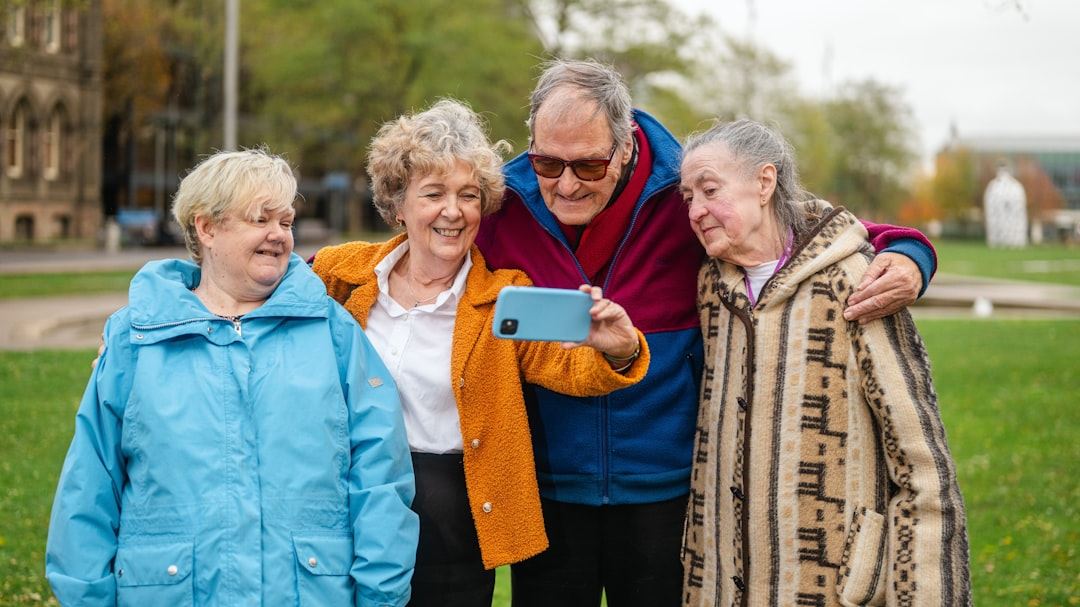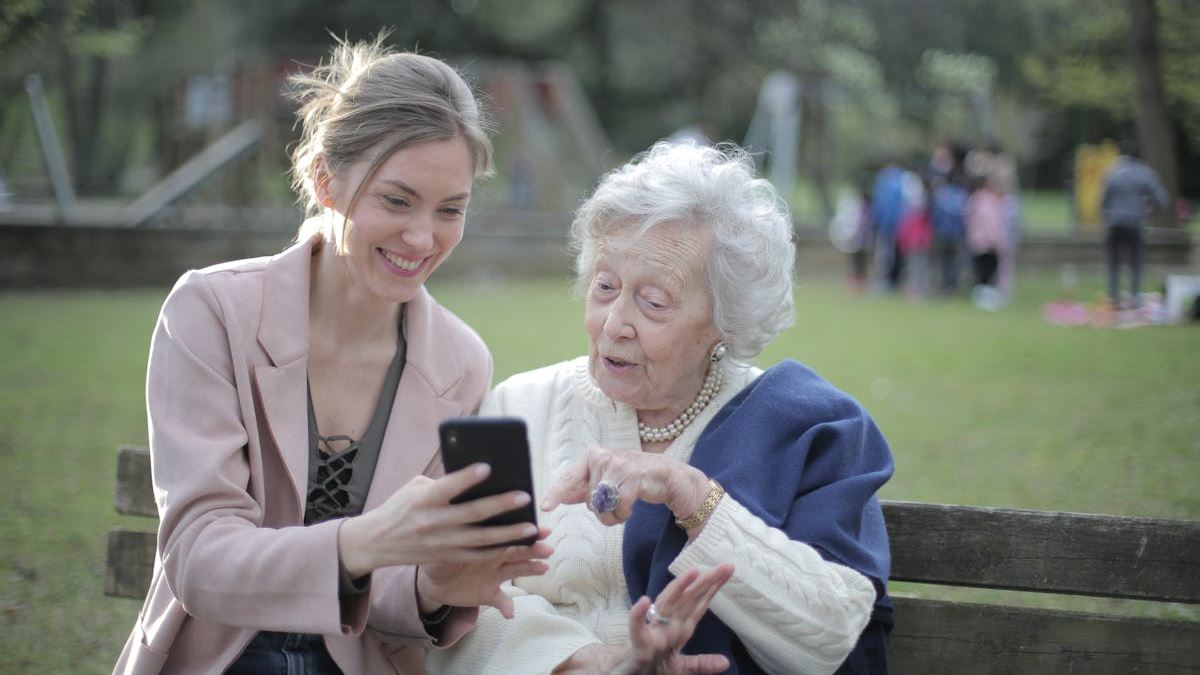
Mastering Senior Smartphone Lessons: An Essential Guide for Empowering Older Adults in the Digital Age
Discover comprehensive senior smartphone lessons designed to empower older adults in mastering their devices. This engaging guide covers essential skills, tailored strategies, real-world scenarios, and expert tips to help seniors navigate technology confidently and independently. Learn how personalized training can bridge the digital divide, improve communication, and enhance quality of life for seniors in the United States.

Introduction
In today’s rapidly evolving digital landscape, smartphones have become indispensable tools for communication, information, and entertainment. However, many seniors face challenges when it comes to adopting and mastering new technology. Providing comprehensive senior smartphone lessons is crucial to bridge this digital divide, enhance independence, and improve quality of life. This guide explores effective strategies, real-world scenarios, and expert insights to empower seniors in navigating their smartphones confidently.
The Importance of Senior Smartphone Lessons
Digital literacy among older adults is more than just a useful skill; it’s a necessity for staying connected with loved ones, accessing healthcare information, and managing everyday tasks. Senior smartphone lessons foster confidence, reduce frustration, and promote independence. They also help address common fears related to privacy, security, and technological complexity.
Understanding the Unique Needs of Seniors
Assessing Skill Levels and Learning Styles
Before designing a senior smartphone curriculum, it is vital to assess each learner’s starting point. Some seniors may be complete beginners, while others might have previous exposure but need assistance with specific features. Tailoring lessons to individual learning styles—visual, auditory, or kinesthetic—can significantly improve retention and engagement.
Addressing Common Challenges
Challenges such as impaired vision, reduced dexterity, or cognitive decline are common. Adjusting font sizes, using voice commands, and simplifying interfaces are practical strategies to overcome these hurdles. Recognizing and addressing these challenges ensures lessons are inclusive and effective.
Core Components of Senior Smartphone Lessons
Basic Navigation Skills
Learning how to turn the device on and off, unlocking the screen, and understanding home screen layouts lay the foundation for further skills. Hands-on demonstrations and repetitive practice are recommended to reinforce these basics.
Communication Features
Mastering calling, texting, and video chat platforms like FaceTime or Zoom allows seniors to stay connected. Tips for managing contacts, creating groups, and using voice commands make communication more accessible.
Security and Privacy
Teaching seniors about creating strong passwords, recognizing phishing attempts, and managing app permissions helps protect their personal information. Emphasize the importance of regular updates and cautious sharing online.
Utilizing Apps and Services
Introduction to essential apps such as weather, news, health tracking, and GPS navigation enhances independence. Demonstrating how to download, organize, and update apps simplifies digital life for seniors.
Real-World Scenarios and Practical Tips
Scenario 1: Staying Connected During a Family Emergency
Imagine a senior receiving an urgent call from a family member across the country. With senior smartphone lessons, they can quickly answer, use GPS to locate nearby family members, or contact emergency services, ensuring safety and peace of mind.
Scenario 2: Managing Healthcare appointments
Seniors learn to set reminders, access telehealth services, and share health data securely with caregivers, making healthcare management more straightforward and less stressful.
Expert Perspectives and Recommendations
Technologists and gerontologists emphasize patience, simplicity, and personalized support as keys to successful senior smartphone lessons. Ongoing support beyond initial training encourages continuous learning and troubleshooting confidence.
Conclusion
Implementing effective senior smartphone lessons is pivotal in fostering digital inclusion for seniors. By understanding their unique needs, addressing challenges compassionately, and providing practical, engaging training, we empower older adults to embrace technology with confidence and enthusiasm. Facilitating this digital literacy not only builds independence but also enriches their social, health, and informational experiences.